 Bloom / Pattern stitch
Check my PDF
Bloom / Pattern stitch
Check my PDF
Free proof · $5 download
Four pages → one sewing PDF sheet.
Only have A4 or Letter pattern tiles? Join them into one sheet at original scale, keep existing size layers, and inspect the result before you pay.
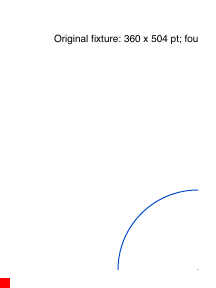
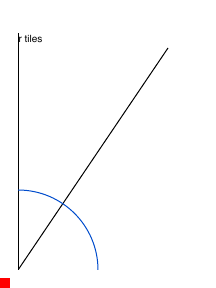
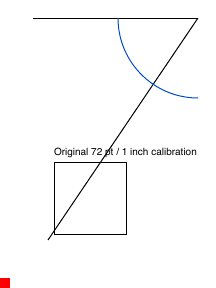
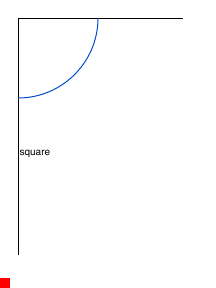
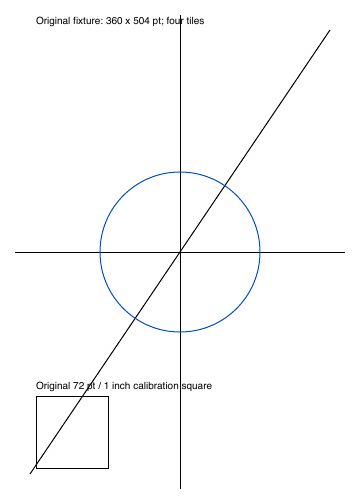
This is Bloom’s original calibration drawing, not a garment. The example pages are small test sheets so you can see the joins without using anyone’s sewing pattern.
Combine a tiled pattern in five steps
- Use a file you own and the designer’s assembly map. Page labels on the paper can differ from PDF page numbers.
- Select pages in assembly order, left to right, then row by row. Enter how many pages sit across each row.
- Set the border to remove. Bloom trims the same amount from every edge of every selected page.
- Inspect the free proof for broken joins, wrong order, dimensions, and existing layers.
- Pay $5 USD only if you want the stitched download. Printing and shipping are separate.
If your designer already included a layered copy-shop or projector PDF, use that file. You do not need this tool.
You can also use a free tool
| Tool | What it is | Cost |
|---|---|---|
| PDFStitcher | Desktop app with grid, trim, rotation, and layer controls. | Free, install on your computer |
| Pattern Projector | Browser app for projection, stitching, and PDF export. | Free, in the browser |
| Bloom Pattern Stitch | Supported-file check and inspectable proof, then a download. | Free preview; $5 USD to download |
Have a tiled PDF ready?
Preview compatibility free. $5 USD for the supported stitched file.